
A driver’s license is a staple of modern society. Obtaining one is even seen as a rite of passage for many teenagers. With a driver’s license, motorists have the credentials to legally operate a motor vehicle and have a tangible means of proving their age and identity to others.
Obtaining a driver’s license involved multiple steps, including paperwork and fees, which vary by state. An applicant is required to provide proof of age, identity, and residency. License seekers must also pass a vision test, a written test and a road test. Upon successful completion of these steps, the applicant will be issued a driver’s license.
Traditionally, driver’s licenses have been issued on a sturdy, plastic card that fits in a wallet. Today’s drivers frequently have an additional option: a mobile driver’s license, also known as an mDL or mID (mobile ID).
Similarities between mDLs vs physical driver’s licenses
An mDL signifies the same driving privileges as a physical license. Both forms of licenses indicate identity information, a headshot, a license number, license classification (the type of vehicle the motorist is legally allowed to operate), and any applicable driving conditions or restrictions. Organ donor status may also be indicated, as well as other items that vary from state to state.
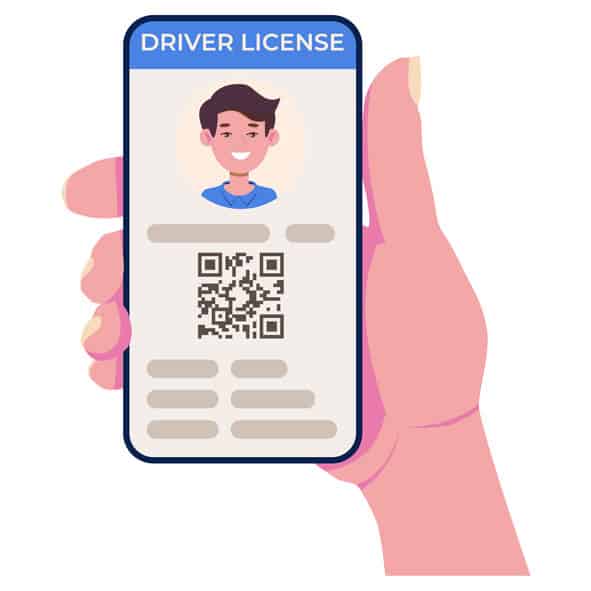
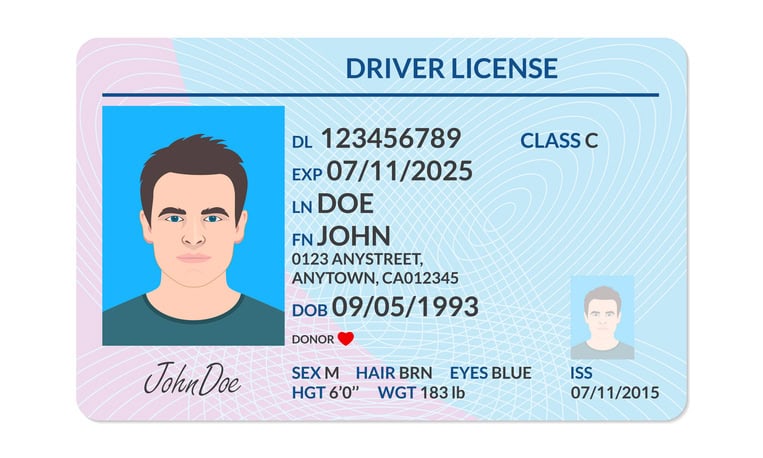
mobile driver’s licenses (mDLs) vs. physical driver’s licenses
While there are many similarities between mDLs and physical driver’s licenses, there are also several notable differences:
1. Form Factor
A physical driver’s license is a tangible, double-sided plastic card.
An mDL is digital and stored electronically on a motorist’s mobile device. This can be in a state sponsored app or digital wallet, depending on the state.
2. Identity Verification
When presenting a physical driver’s license, the motorist’s photograph is visible.
A mobile driver’s license requires the motorist to approve a request to digitally share their mDL credentials. Next, a secure connection is established between the motorist’s device and the mDL reader. Following authentication, the motorist’s photograph will be transmitted to the mDL reader for viewing and identity verification.
3. Traffic Stops
When a motorist is pulled over, a police officer collects their physical driver’s license to scan and process. This can be completed with a device like L-Tron’s 4910LR driver’s license scanner.
If a motorist has an mDL, the police officer may (at this time) still choose to collect their physical driver’s license. Each state and municipality may be at a different stage when it comes to implementing mobile driver’s licenses. The state of Georgia has passed legislation that will require GA Law Enforcement officers to read mDLs at traffic stops by 2027.
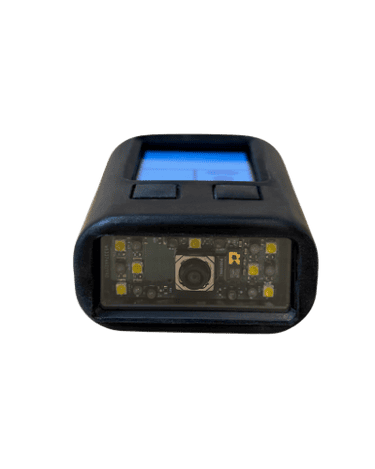
However, a device like L-Tron’s mDL Reader (mDLR-1) will give patrol officers the option to read both mDLs and physical licenses at traffic stops. The mDL reader electronically requests a connection to the mobile ID by reading a QR code. The officer does not have to touch the mobile device. After authentication and verification, the office can view the motorist’s credentials on their mDL reader and create a citation in their patrol vehicle.
4. Privacy Concerns
When a motorist hands their physical driver’s license to a police officer, cashier at the grocery store, waitress at a pub, doctor’s office receptionist or anyone else, that individual has instant access to all of the information listed on the hard copy license.
Mobile Driver’s license technology recognizes that not all of these entities need to see a motorist’s home address, organ donor status, driving restrictions, etc. With an mDL, there is more control over exactly which information is shared with a requesting party.
5. Security Measures
Physical driver’s licenses run the risks of counterfeiting and theft. While some fake IDs are easy to spot, others are challenging to detect.
Mobile driver’s licenses, on the other hand, are more difficult to steal or counterfeit. If a mobile device that holds an mDL is stolen, the mDL cannot be accessed without the device owner’s multi-factor authentication credentials. In some states, the mDL can also be remotely deactivated from a stolen device.
6. Acquisition
Acquiring a physical driver’s license involves an application process, testing and fees.
Although it varies by state, oftentimes a motorist must obtain a physical license as a prerequisite to applying for an mDL. Depending on their state of residence, motorists will either download the state’s secure app to hold their mobile license or they will add their license to their Google/Apple wallet.*
For example, when applying for an mDL in New York State, motorists will be prompted to create an account and scan their physical license using their device camera. They will also be asked to provide facial verification prior to license activation.
*mDL applications and google/apple wallet compatibility vary on a state-by-state basis.
7. Updates
Processing and mail delivery for a new physical driver’s license takes days, or even weeks.
Mobile driver’s licenses are updated in real-time.
8. Replacement
Physical driver’s licenses can peel, crack or warp over time, or can be misplaced quite easily.
A mobile driver’s license cannot degrade. Even if a motorist’s device is lost or damaged, the motorist can activate their mDL on a new device (in some states, this deactivates the old mDL automatically).
L-Tron is proud to be on the cutting edge of mDL technology. Built from the voice of Law Enforcement, L-Tron’s new mDL Reader is designed for simplicity and safety at the roadside. The technology easily integrates into an officer’s existing patrol vehicle IT infrastructure.
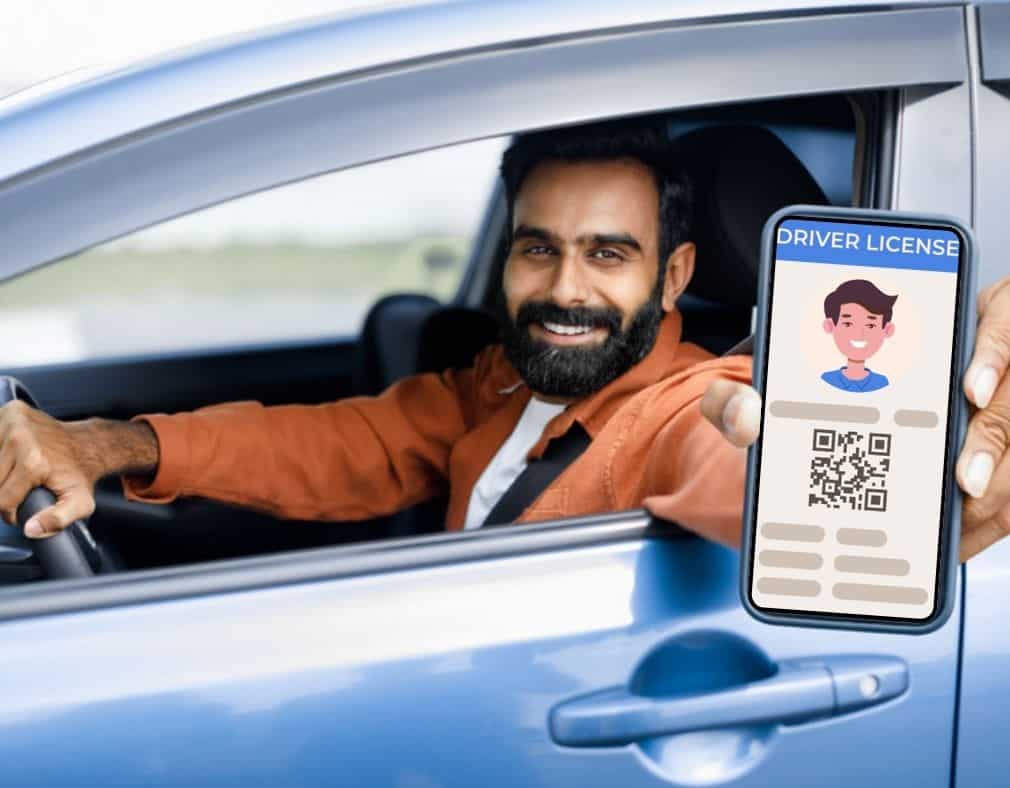

Check out these resources to discover more about the mobile IDs and the L-Tron mDL Reader: